
Resize without flattening transparency
Halving both sides removes 75% of the source pixels. The measured byte reduction is different. The corner remains transparent in the actual PNG export; lossless encoding preserves this resized pixel grid, not all original detail.
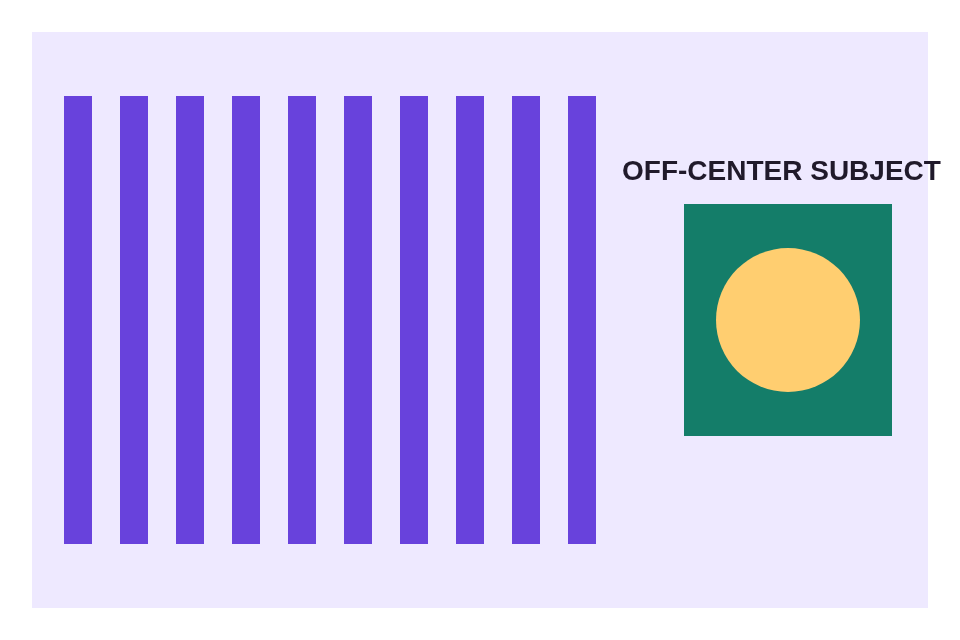
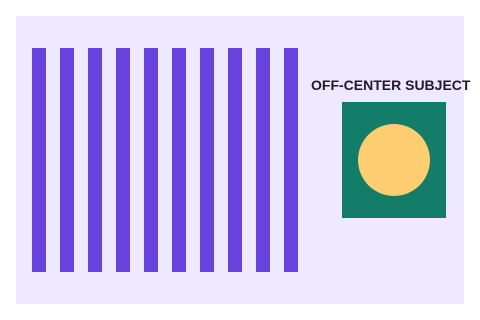
Editor settings: Pixels: width 480, ratio lock on, Match input format (PNG).
A centered square can cut the subject
Fill uses a centered 640 × 640 source crop before resizing to 320 × 320. The yellow circle is off-center, so its right edge is removed. Exact output dimensions alone do not mean the composition is correct.
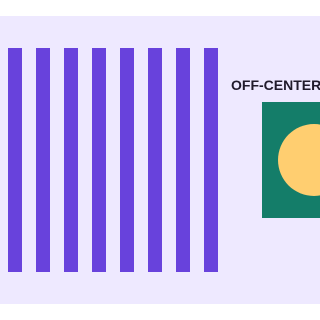
Editor settings: Fit / fill a box: 320 × 320, Fill (center crop), PNG. Source crop: 640 × 640 at X=160, Y=0.
Choose the square around the subject
The manual crop starts at X=640 and Y=160 and keeps a 320 × 320 area around the circle. Compare its complete subject with the centered-square result. This is a crop at source resolution, not the same field of view as the Fill export.
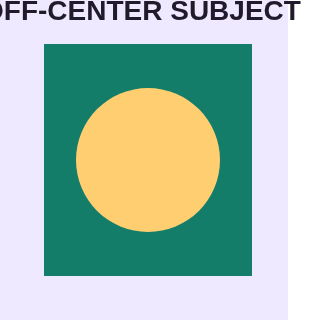
Editor settings: Crop: X=640, Y=160, width=320, height=320, free ratio, Match input format (PNG).
Prepare a copy below a decimal 100 KB limit
Fitting the textured source inside 480 × 480 gives 480 × 320. A 97 KiB target is 99,328 bytes, below the 100,000-byte decimal ceiling. The result fits this target, but resizing and lossy encoding can soften fine stripes and text. Inspect it before using the recipe for your own image.
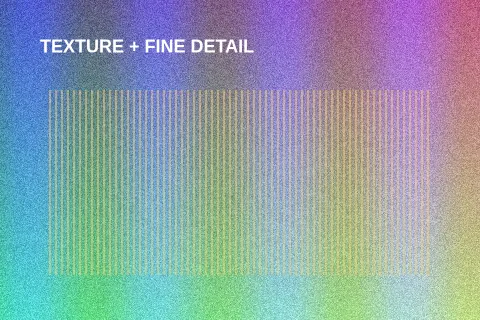
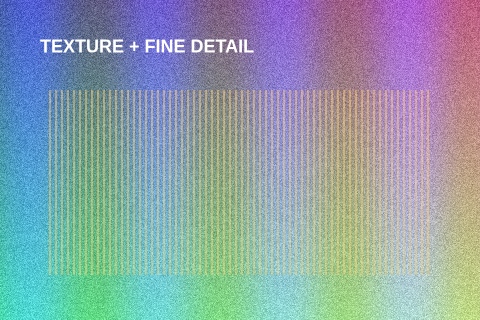
Editor settings: JPG, target 97 KB (99,328 bytes), Resize before compressing: maximum 480 × 480; white background.
Reproduce and interpret the results
- Download the original PNG, open the linked editor and select that file.
- Apply the settings shown above. For manual cropping, coordinates start at zero.
- Export once and inspect the actual downloaded file at 100% and at its intended display size.
- Compare dimensions and integer bytes. Encoder output may differ across browser versions; the published downloads are the measured files.
- For an upload limit, run the output through the image upload checker using the destination's rules.
The source artwork is created by GetResizer. A deterministic grain pattern and simple shapes make the tradeoffs visible without using somebody else's photos. The generator applies these settings through the real editor and verifies output dimensions. The resize check verifies a transparent corner; the compression check verifies the target ceiling. The file manifest records SHA-256 hashes of originals and outputs.
These four files do not estimate average compression savings, compare browsers, establish perceptual equivalence or demonstrate improved website speed. The manual crop and centered Fill select different source areas. Choose a workflow from the detail and framing your actual image requires.
Additional measured format examples: PNG to JPG and a solid background, JPG to PNG without repairing old artifacts, WebP to JPG compatibility, SVG rasterization and embedding PNG in SVG.